Sobosuba online: Squish Merge in your browser
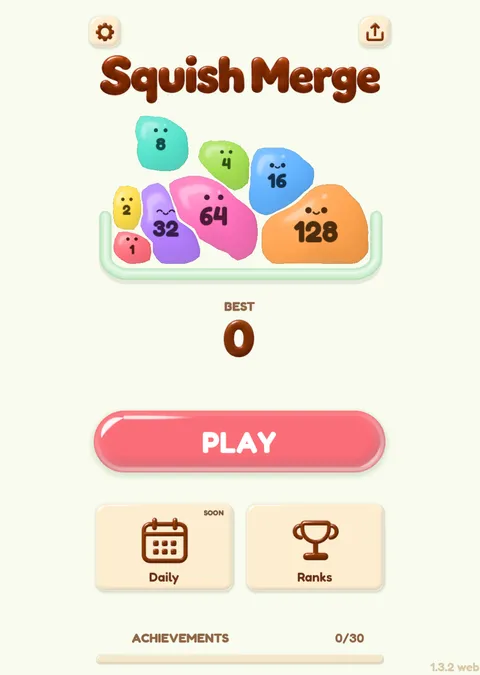
Sobosuba is the name of the team that makes Squish Merge, a game of numbered soft balls. Squish Merge runs in a browser tab, so playing sobosuba online means opening a page and pressing Play.
Sobosuba online: what you get
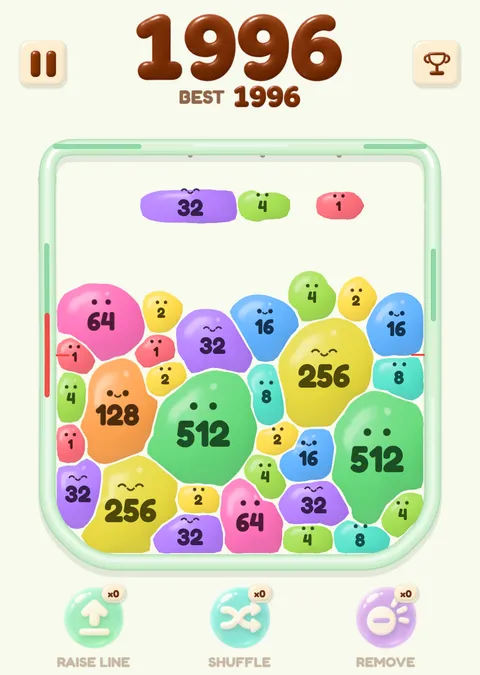
Squish Merge is a merge game. You launch balls that carry numbers into a jar, and when two balls with the same number touch, they become one ball with double the number. Sobosuba online means exactly that in a browser tab: press Play on this page and the first round starts.
There is no account and no sign-up form. Squish Merge does not show ads while you play, and it does not offer a second chance when a round ends.
The numbers go 1, 2, 4, 8, 16, 32, 64, 128 and on from there. The balls that appear at the start of a round are numbered 1 to 64 only. Every bigger number has to be made by merging, which is the part that takes planning.
Sobosuba browser: nothing to install
Sobosuba in a browser needs no app. Squish Merge starts downloading when you press Play, so press it when your connection is steady.
The interface is translated into English, Japanese, Traditional Chinese and Spanish; Korean and French use the English interface.
On a computer, Squish Merge uses a landscape view, and the Full screen button under the jar makes it fill your screen.
Sobosuba mobile: the same page on a phone
There is no separate app for sobosuba mobile either. Open the page in the browser on your phone and press Play. A touch screen gets a portrait layout, and the balls use a soft rounded look with little eyes. You can't change skins on a touch screen, so the look is fixed there.
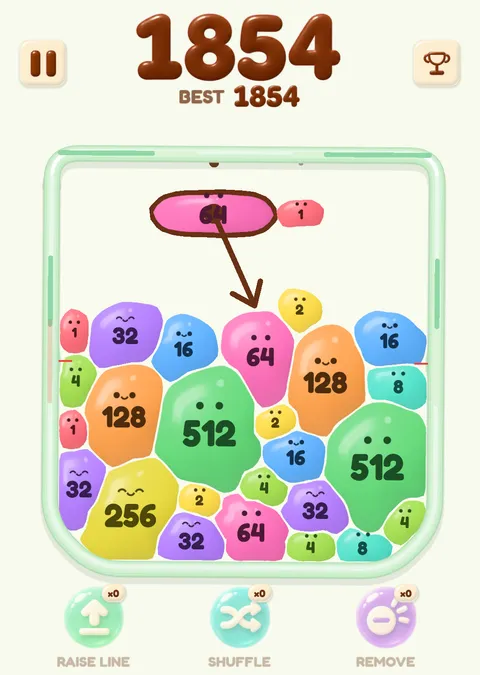
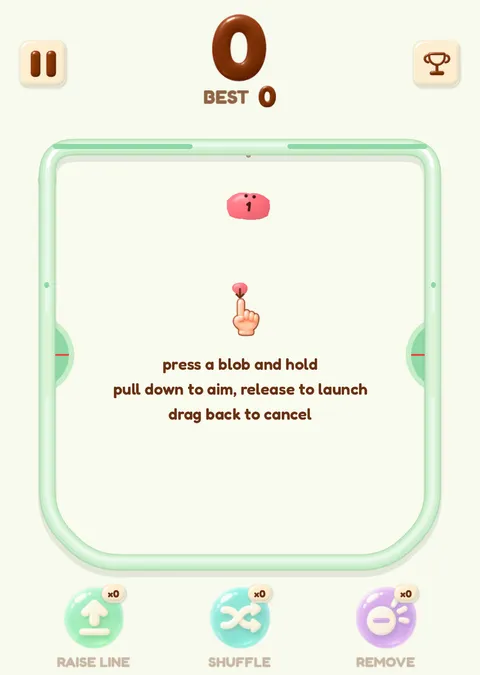
On a touch screen you press a ball, pull down to aim, and release to launch. If you change your mind, drag back to cancel the launch. With a mouse it works the same way: hold the left button on a ball, drag to aim, release to launch, and press the right button to cancel.
What happens when two balls merge
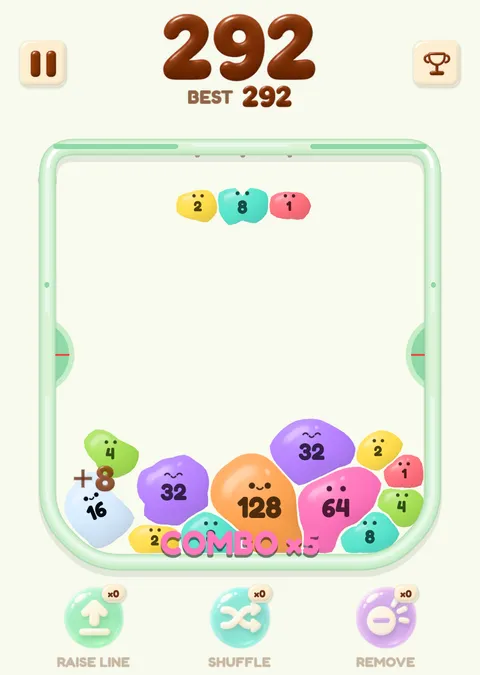
The balls are soft, so when two balls of the same number meet, their outlines join into one new ball instead of one ball being swapped for another. At the moment of a merge, a score popup and a combo label appear above the pile, and the new ball carries the doubled number.
The new ball is only a little bigger than the old ones, not twice as big. Chain several merges in a row and the combo label counts them up.
How a round of sobosuba play ends
There is no clock. A round ends because of where the balls pile up. On each side of the jar there is a plate. When the pile pushes a plate all the way to the bottom and keeps it there for 0.5 seconds, that side counts as full. When both sides are full at the same time, the round ends and Squish Merge counts your score.
When the pile grows tall it reaches the plates on both sides. There is no second chance: when both plates are down, that run is over, and a new one starts when you choose. Because merging makes room, the way to last longer is to keep the pile low and even, so neither plate gets pushed down.
Sobosuba play: how to start
Press Play below. The first round begins with a short hint on how to hold, aim and release a ball. Launch a ball at one with the same number, watch the two join, and keep going until both plates are down. Your best score stays in your browser, ready for the next round of sobosuba online.
Loads about 22 MB when you press Play. Nothing to install. Open it on its own page
The game could not start. Check your connection and reload the page.
The home page has Squish Merge first and a short guide to the merge game under it.
- Doubling numbers and a skin that borrows the look of 2048: 2048 ball.
- Why the balls squash and settle the way they do: soft body merge game.
- Playing on a PC or a phone: merge games online.
Questions about sobosuba online
Is it sobosuba or sobusuba?
The name is sobosuba. "Sobusuba" is a common misspelling of it, and it means the same team and the same game, Squish Merge.
Can I play sobosuba online without an account?
Yes. Press Play and Squish Merge starts in your browser. There is no sign-up. Your browser does keep a random anonymous player name and your best scores for sobosuba online, and your score goes to the leaderboard when a round ends.
Does sobosuba online work on my phone?
Yes, in the browser on your phone. Open the page, press Play, pull a ball down to aim and release to launch it. Phones use a portrait layout and a fixed soft look.
Is there an app to install?
No. Squish Merge runs in a browser tab and needs no install, and the download of about 22 MB only starts when you press Play.
Can I cancel a launch?
Yes. On a touch screen, drag the ball back before you let go. With a mouse, press the right button.